
A more open typing position

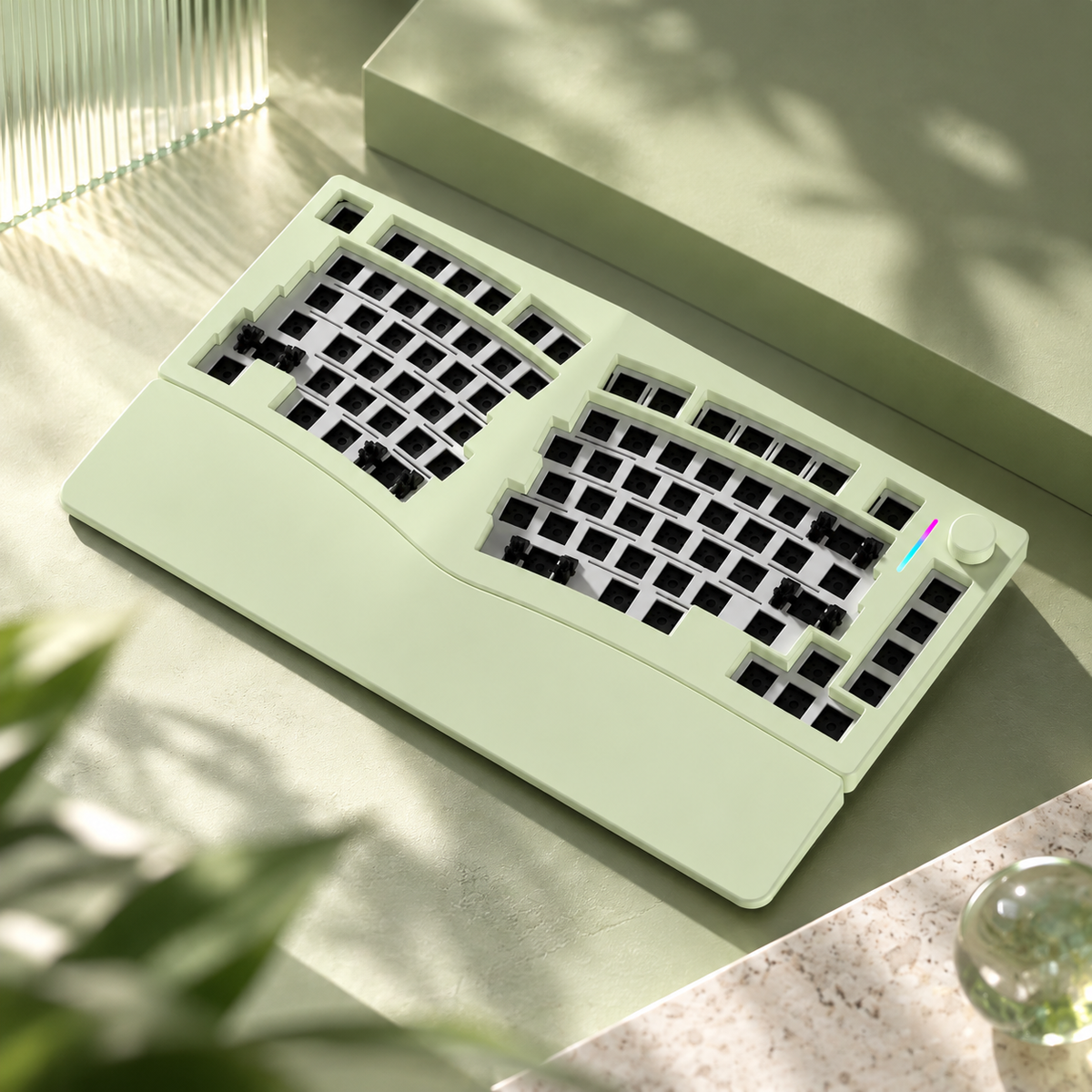
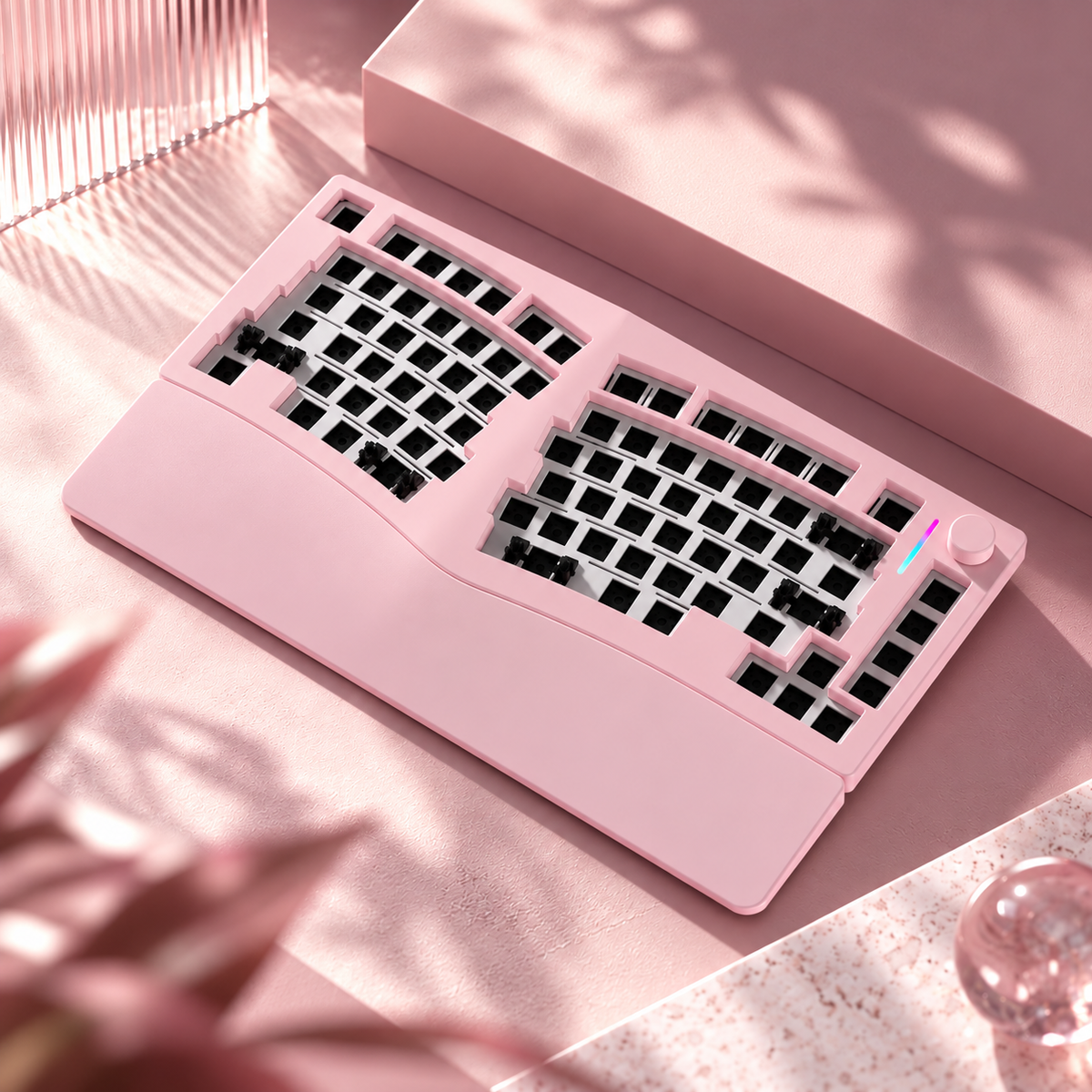
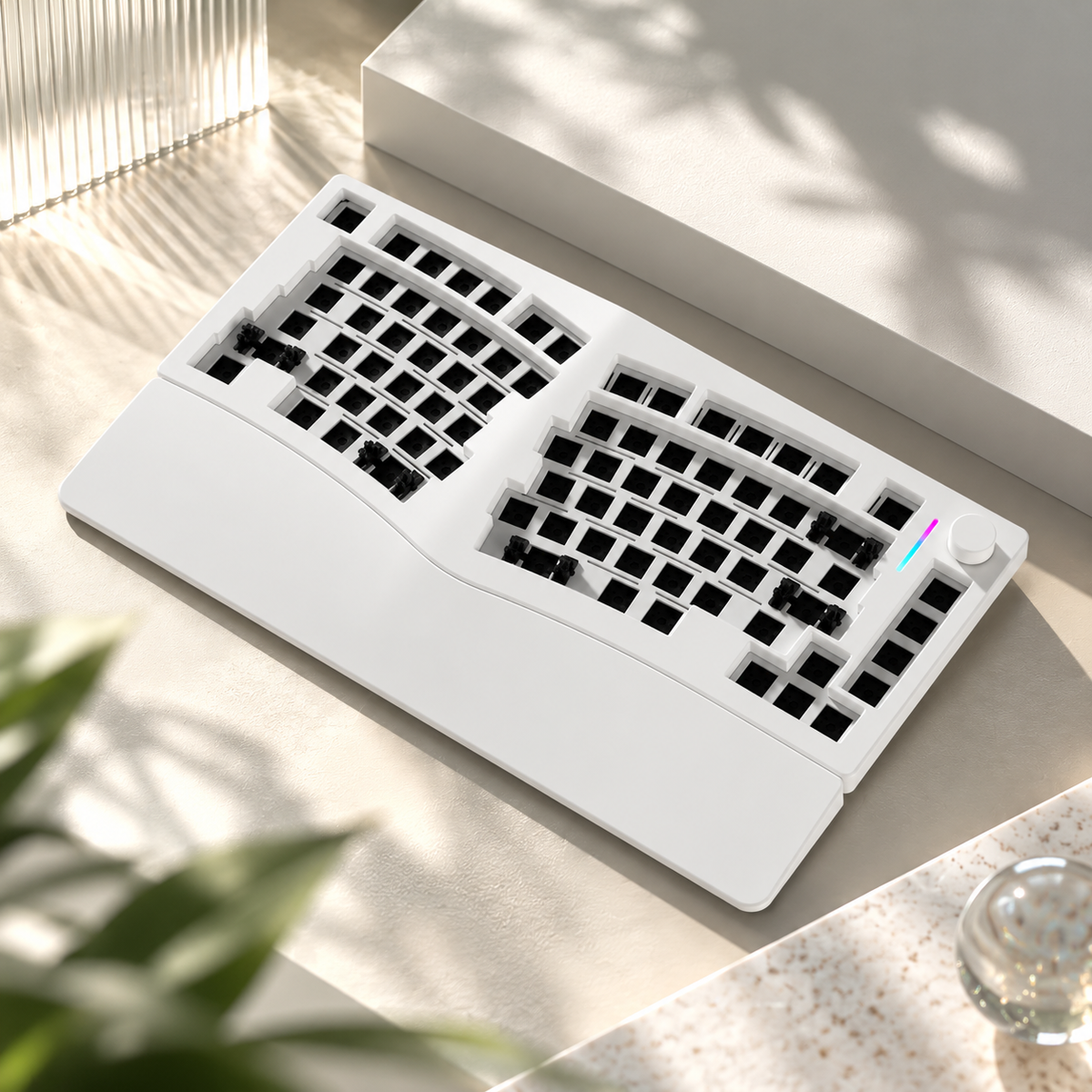
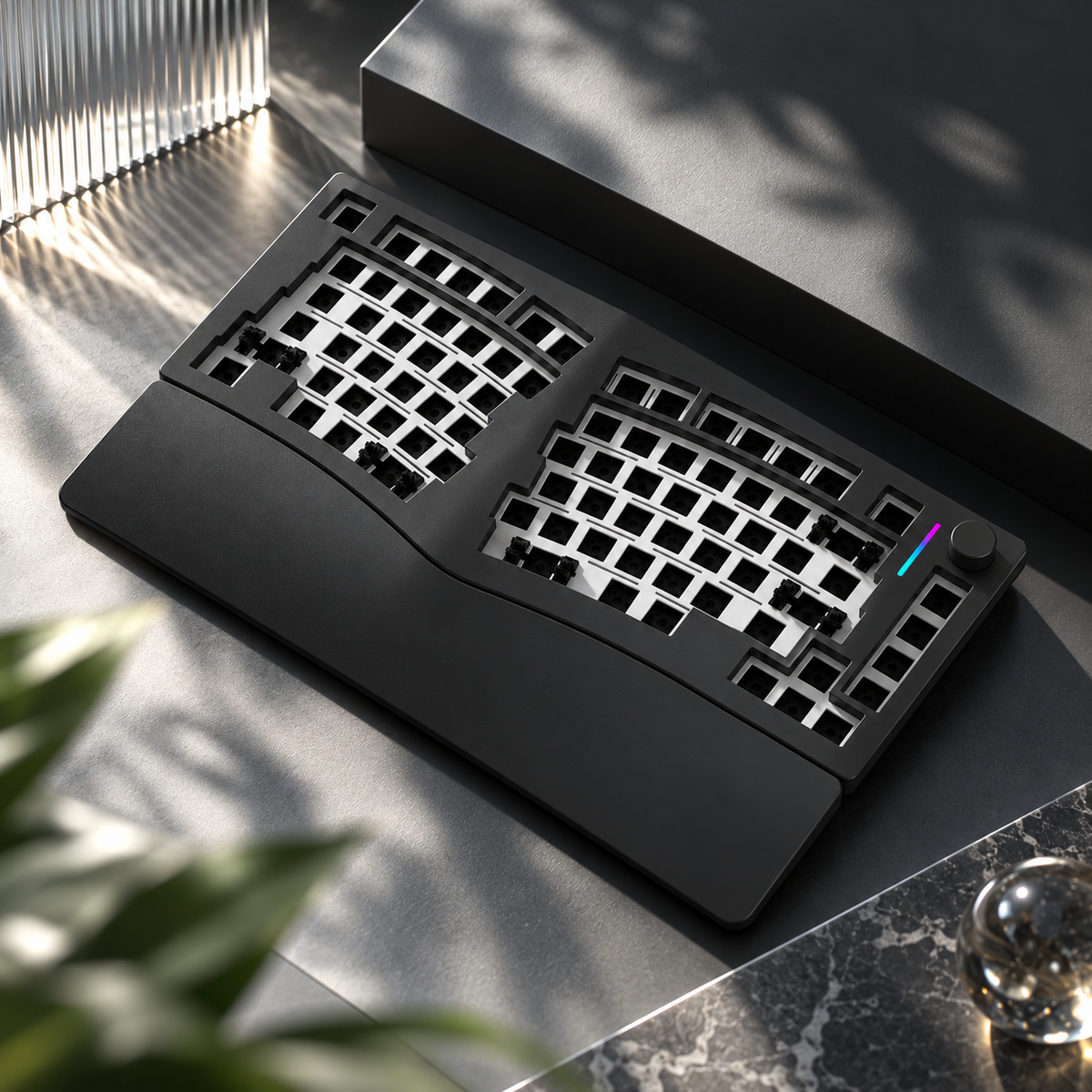
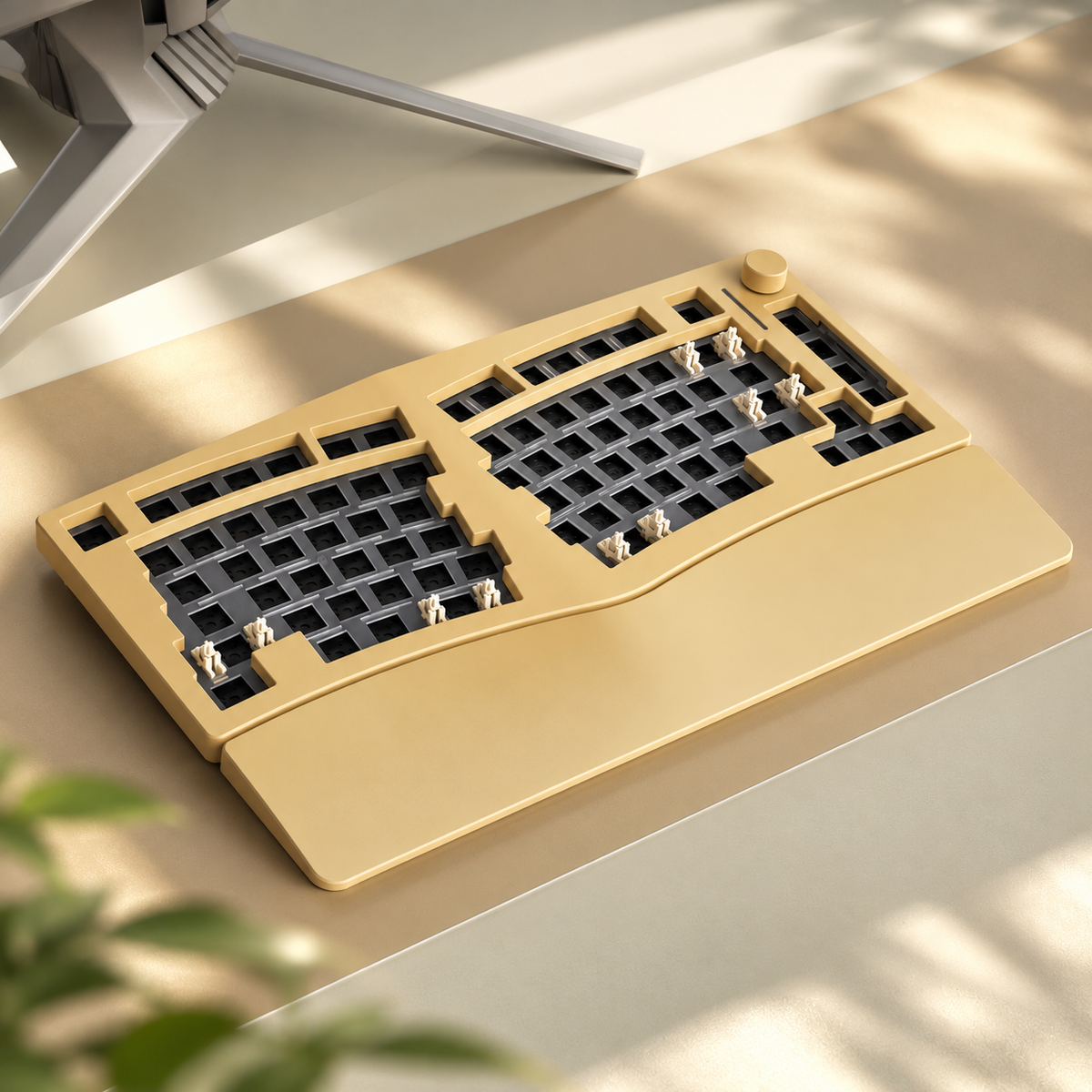
The Alice75 angles the left and right key groups inwards and raises the centre of the keyboard by 3°. Its split layout gives your hands a more open position, while the aluminium front case extends into an integrated wrist-rest area.

The 83-key layout keeps a function row and arrow keys within reach. A rotary knob sits at the upper right for convenient control.

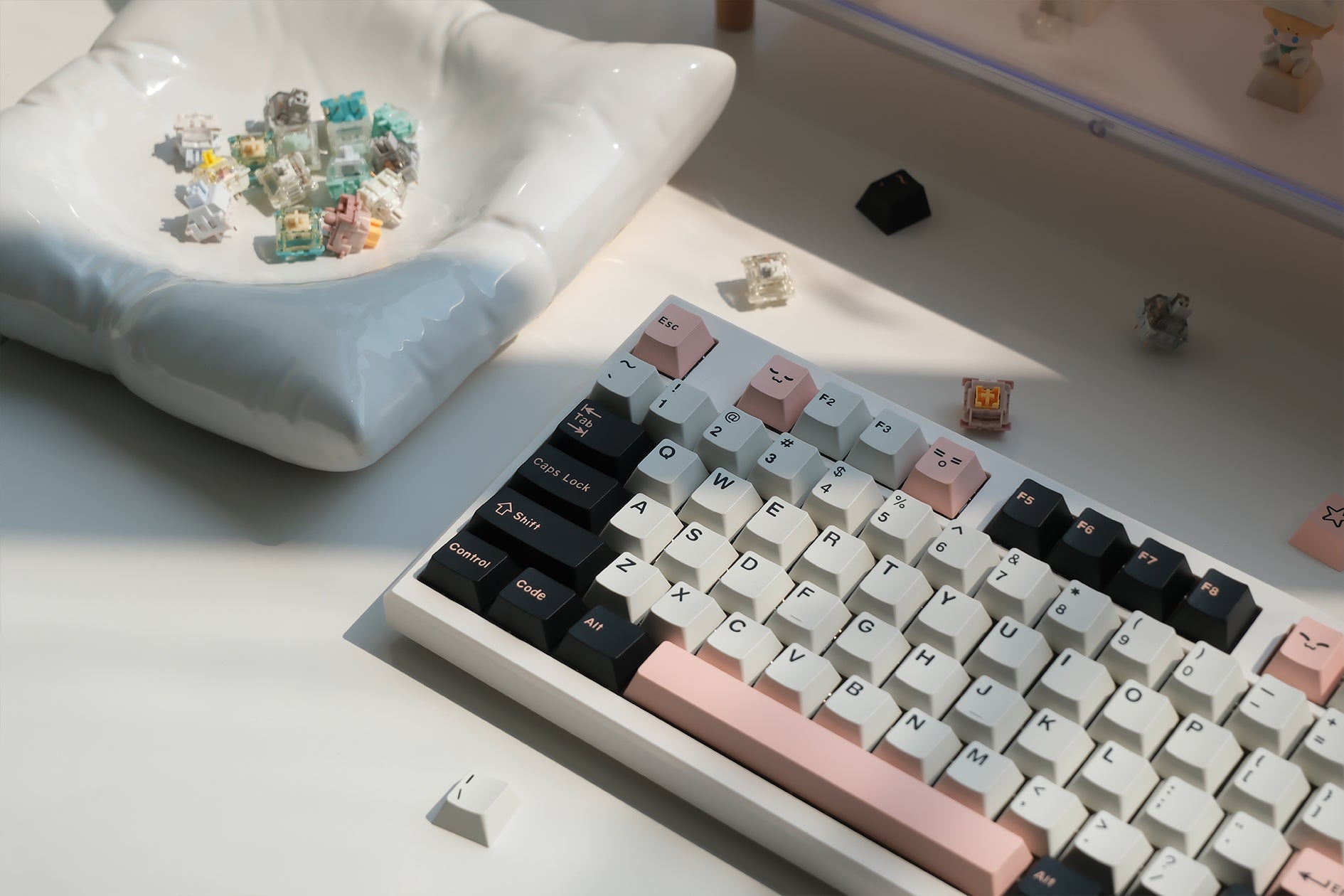
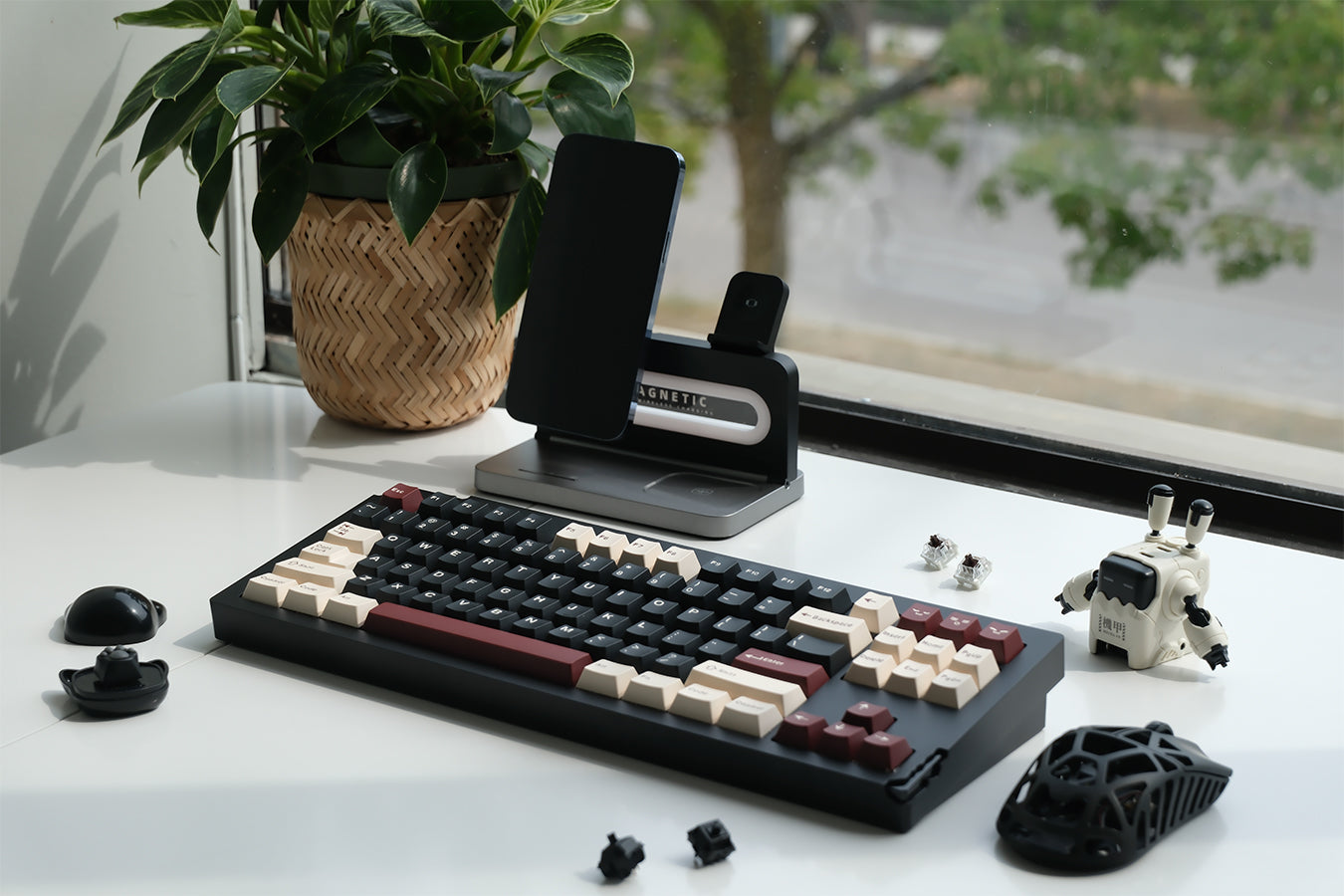
Completed keyboards in this diagram are examples. Switches and keycaps are sold separately.

A cushioned foundation for your build

Aluminium alloy top and bottom cases surround a gasket-mounted typing assembly. Five layers of acoustic filling help control case resonance, while the leaf-spring silicone gaskets shown in the construction diagram support a softer keypress.

The exploded view identifies the plate, stabilizers, sandwich foam, switch pad, acoustic dampening pad, PCB and bottom case foam. Hot-swappable sockets let you change compatible switches without soldering.

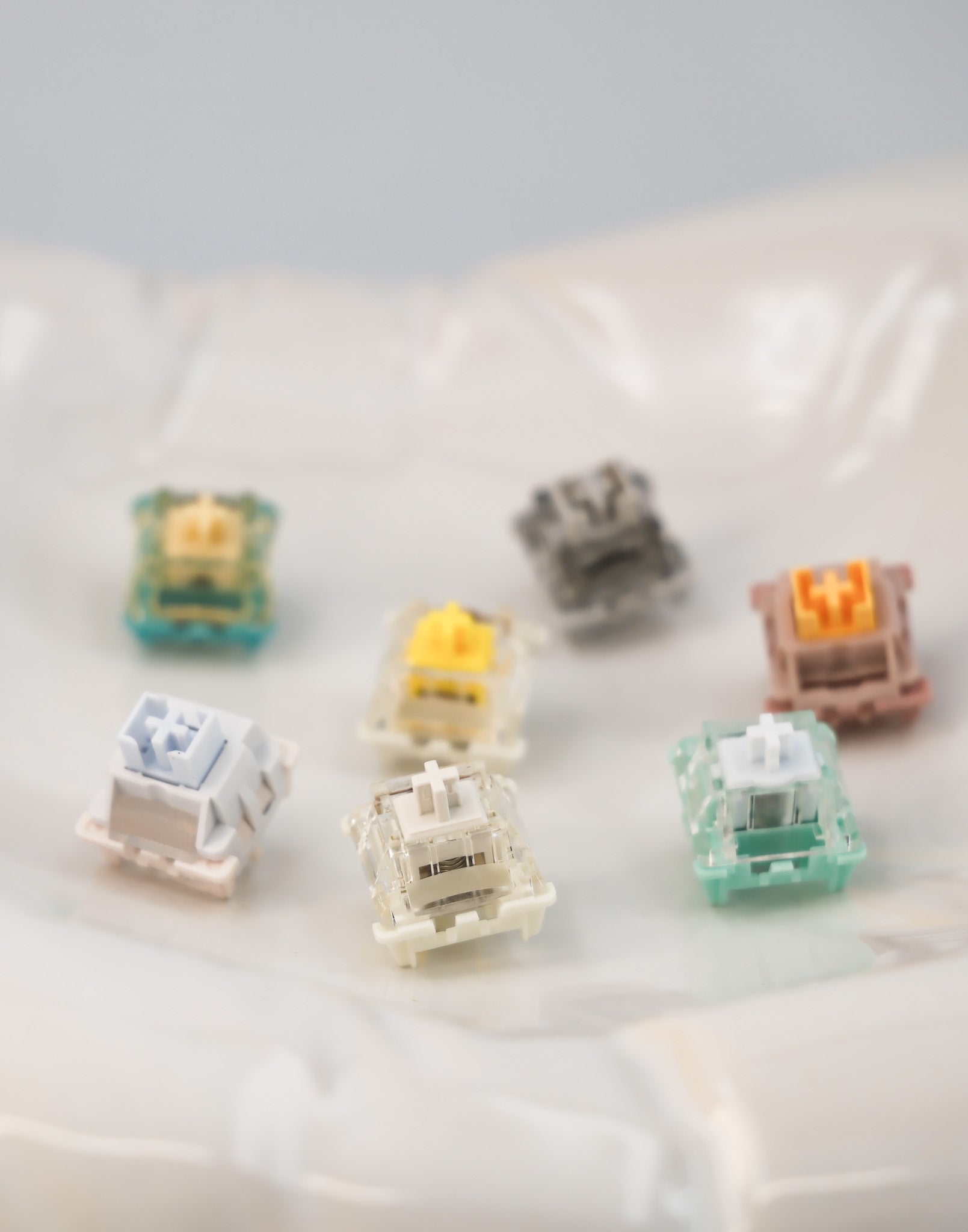
Your choice of switches and keycaps will shape the finished keyboard’s feel and sound. The diagram illustrates a completed build; switches and keycaps are not included with this barebone.

Three ways to connect

Choose a wired connection at your desk or wireless connectivity for a less crowded setup.

  • USB-C wired, Bluetooth and 2.4GHz wireless connection modes.
  • Windows and macOS compatibility.
  • 8000mAh battery capacity; runtime depends on connection mode, lighting and use.
  • RGB backlighting.
  • 83 key positions with hot-swappable sockets.

Two backplate designs, supplied at random

The underside is shown with two different decorative backplate designs: a FEKER logo plate and a script-style design. The supplier ships these at random, so the backplate design cannot be selected.

Choose your case colour from Green, Pink, White, Black or Gold. Backplate style is independent of the colour option.

A closer look

Design & build
  • Alice layout: 83 key positions, with angled left and right key groups, a function row and arrow keys.
  • 3° centre tenting: The middle of the keyboard rises gently to support a more open hand position.
  • Full aluminium case: Aluminium alloy top and bottom cases with an integrated front wrist-rest area.
  • Rotary knob: An easy-to-reach control at the upper right.
  • Case colours: Green, Pink, White, Black and Gold.
  • Backplate designs: Two underside designs are supplied at random; backplate style cannot be selected.
Typing feel & sound
  • Gasket mount: The cushioned mounting structure supports a softer typing feel.
  • Leaf-spring silicone gaskets: Shown supporting the typing assembly in the construction diagram.
  • Five layers of acoustic filling: Layered foam and pads help manage hollow case noise and resonance.
  • Internal construction: The diagram identifies the plate, stabilizers, sandwich foam, switch pad, acoustic dampening pad, PCB and bottom case foam.
  • Hot-swappable sockets: Change compatible switches without soldering.
  • Your finished build: Switch and keycap choices also affect the final sound and feel.
Connectivity & specifications
  • Connections: USB-C wired, Bluetooth and 2.4GHz wireless.
  • Battery capacity: 8000mAh. Runtime varies with connection mode, lighting and use.
  • Backlighting: RGB.
  • Layout: Alice / 75%, with 83 key positions and a rotary knob.
  • Switch sockets: Hot-swappable.
  • Operating systems: Windows and macOS.
Compatibility & what's included

This listing is for the Feker Alice75 barebone keyboard body. Switches and keycaps are sold separately.

To complete the build, choose switches that fit the PCB sockets and a keycap set with the individual key sizes needed for this Alice layout. Key count alone does not establish compatibility; check the split spacebars and modifier sizes before purchasing a set.

Completed keyboards and the switches and keycaps in the construction diagrams are styling and assembly examples. Other desk accessories shown in supplier images are not included.

Make it yours, in store

Compare the look. Try the feel.

Explore keyboard bodies, switch feels and keycap designs at Soulmie Keys in Scarborough. Our team can help you choose compatible parts and build a keyboard that feels like you.

Book a DIY keyboard workshop to get hands-on with your next build.

Book your DIY workshop