Meet your build

Your keyboard, without the hours of comparing parts. We select compatible components, then assemble and test the combination for you.

The components below are already fitted to this keyboard. Explore their details, or follow the links to plan a future custom build.

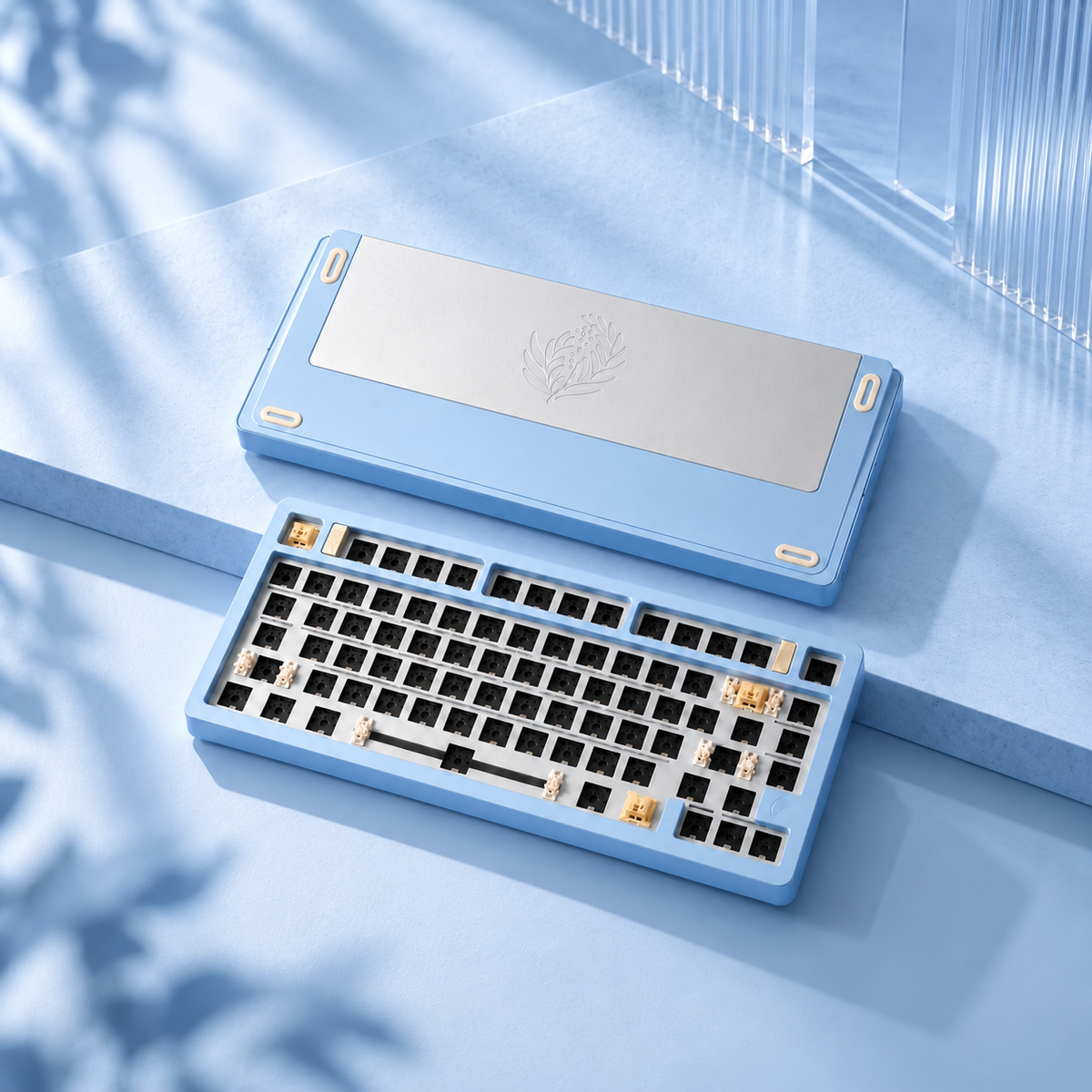
Feker C75 Blue | Mechanical Keyboard Barebone

The keyboard body

Feker C75 Blue | Mechanical Keyboard Barebone

A compact aluminium foundation.

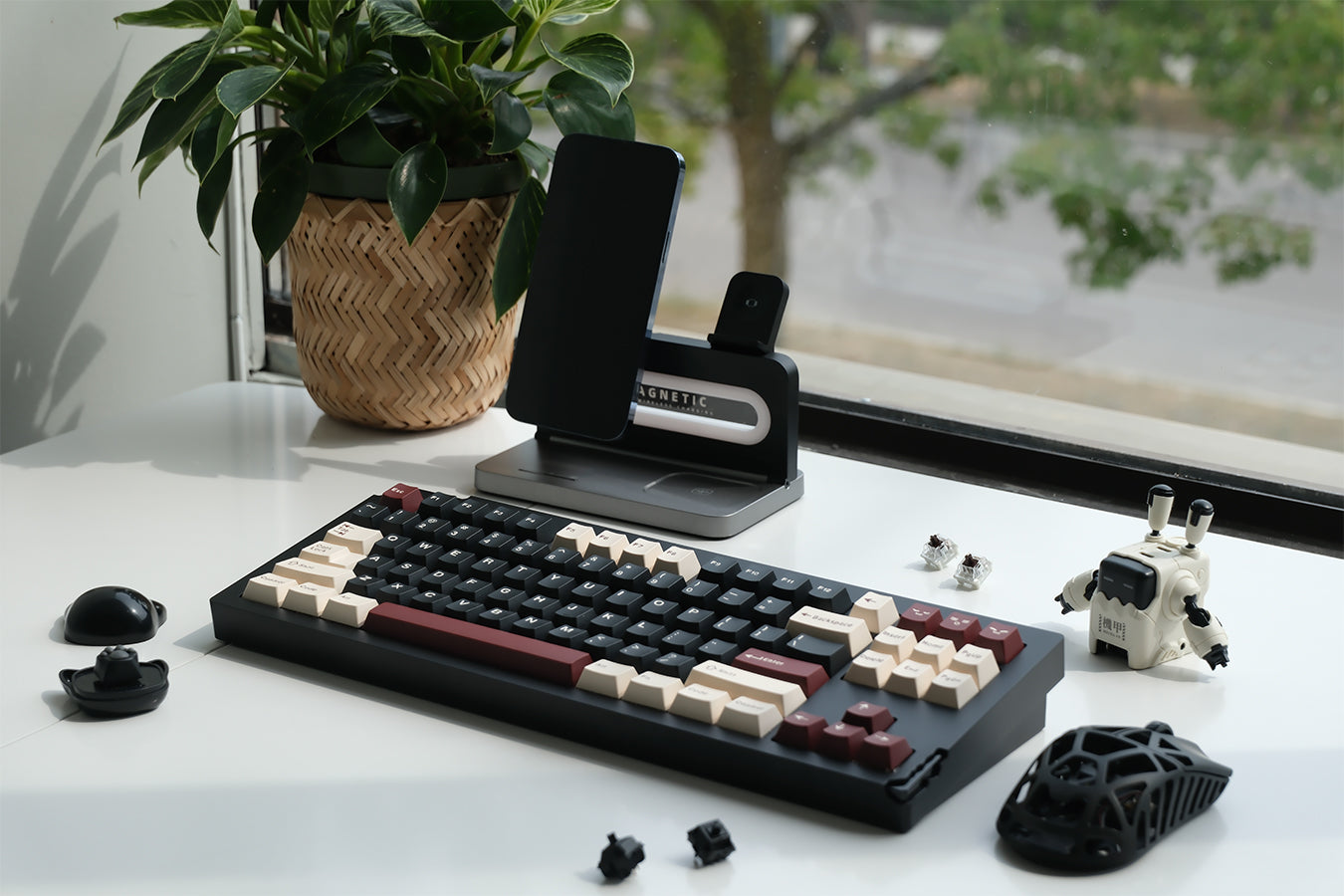
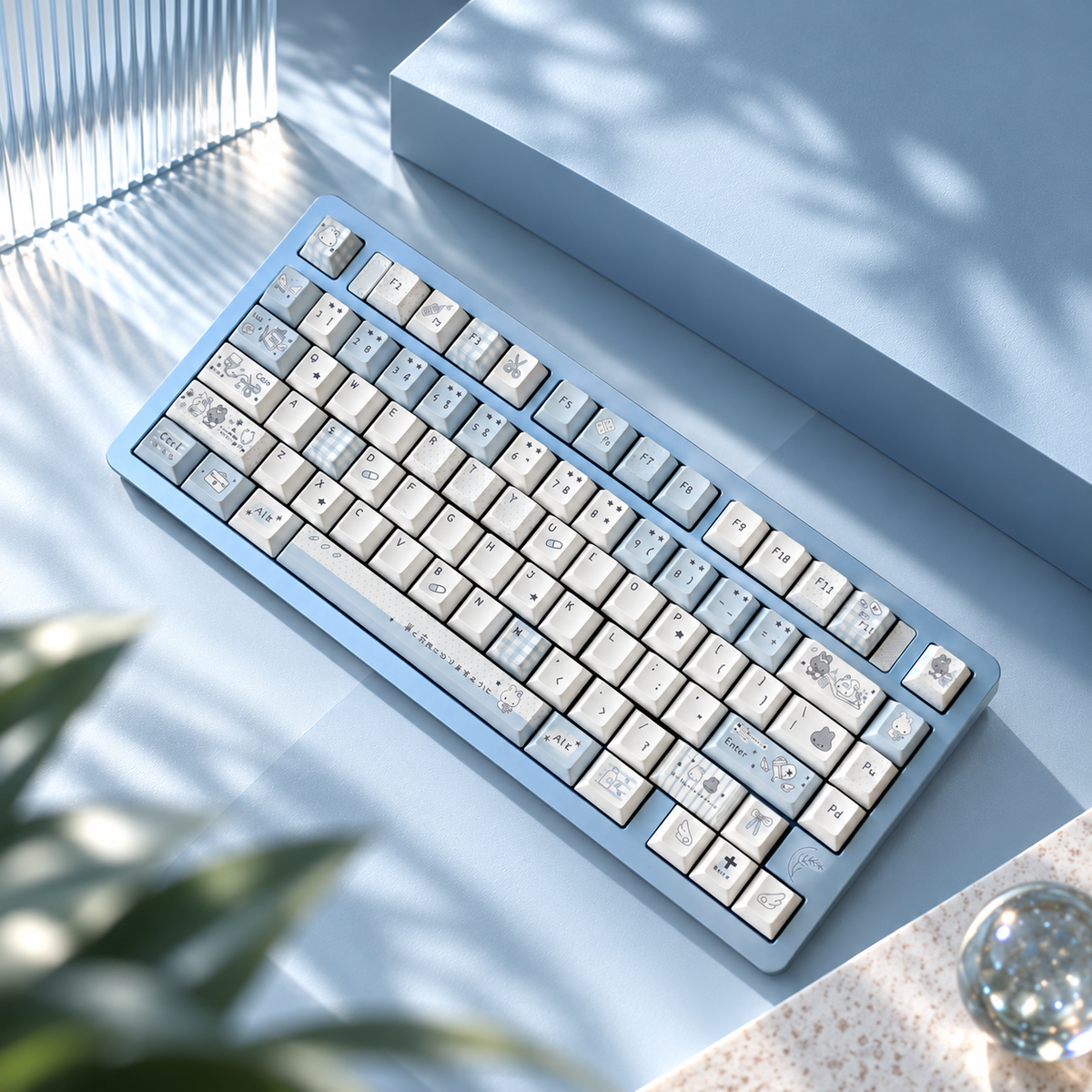
The Feker C75 brings a solid case, cushioned gasket mounting and flexible connection options to your desk.

  • 75% layout with 80 key positions
  • CNC-machined aluminium case and hot-swappable sockets
  • Bluetooth, 2.4GHz wireless and wired modes
Explore this component
Water Diary Key Cap Set

The look

Water Diary Key Cap Set

A little illustrated calm.

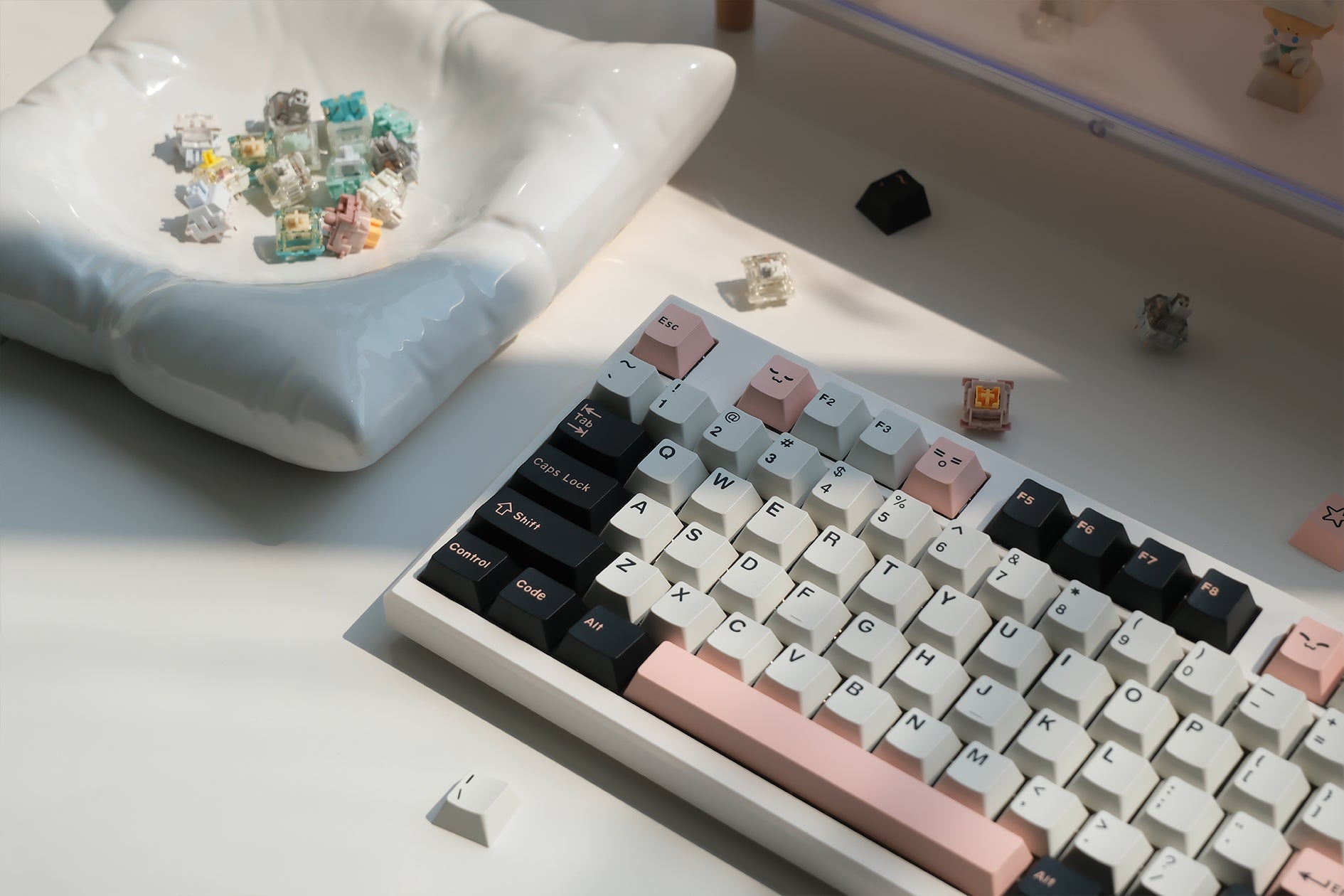
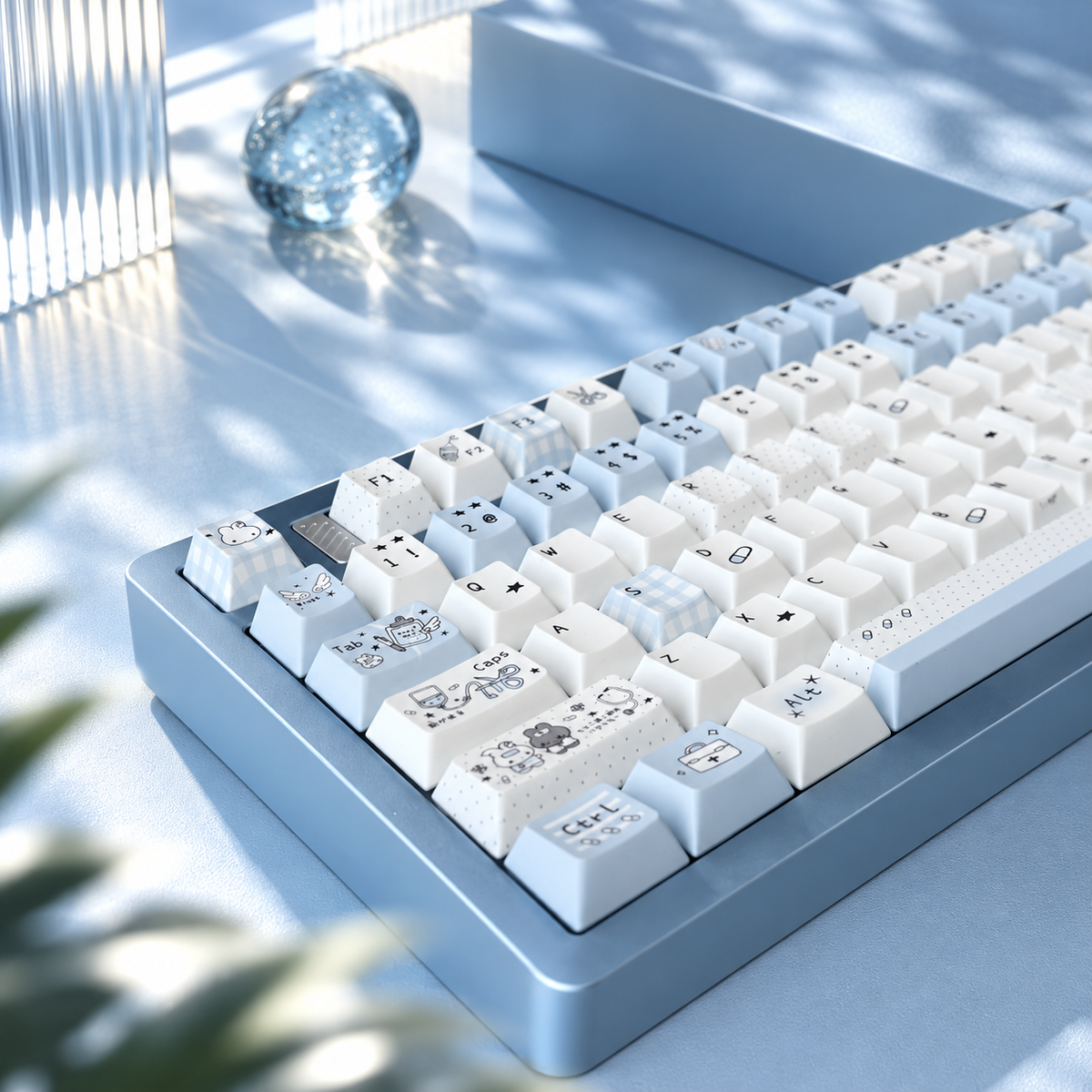
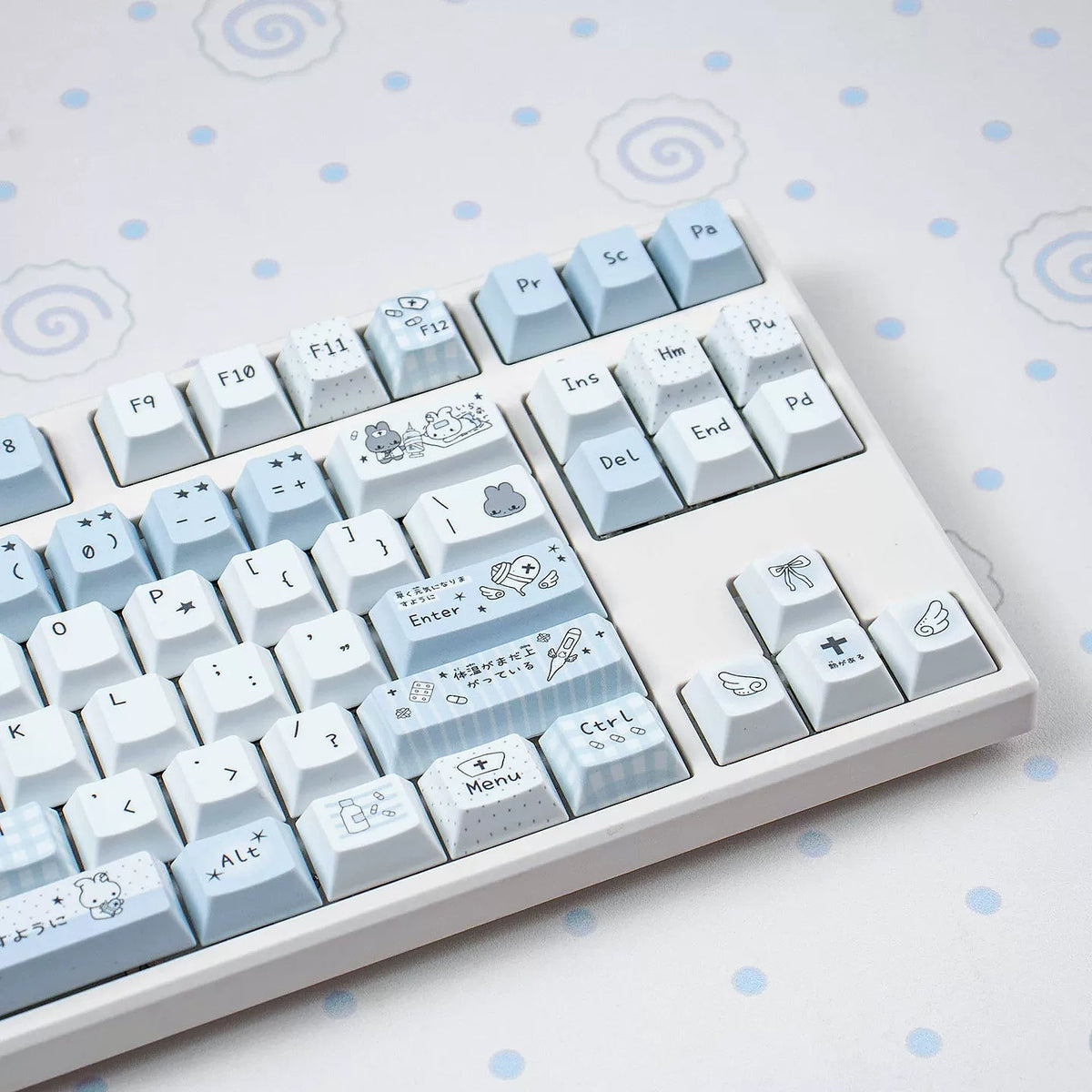
Water Diary pairs white and pale-blue artwork with sculpted Cherry-profile PBT keycaps for a playful, coordinated look.

  • Solid PBT with thermal-transfer artwork and legends
  • Sculpted Cherry profile
  • MX-style stems
Explore this component
Kailh Box Marshmallow Advance Tactile Switches

The feel

Kailh Box Marshmallow Advance Tactile Switches

Light presses. An early tactile bump.

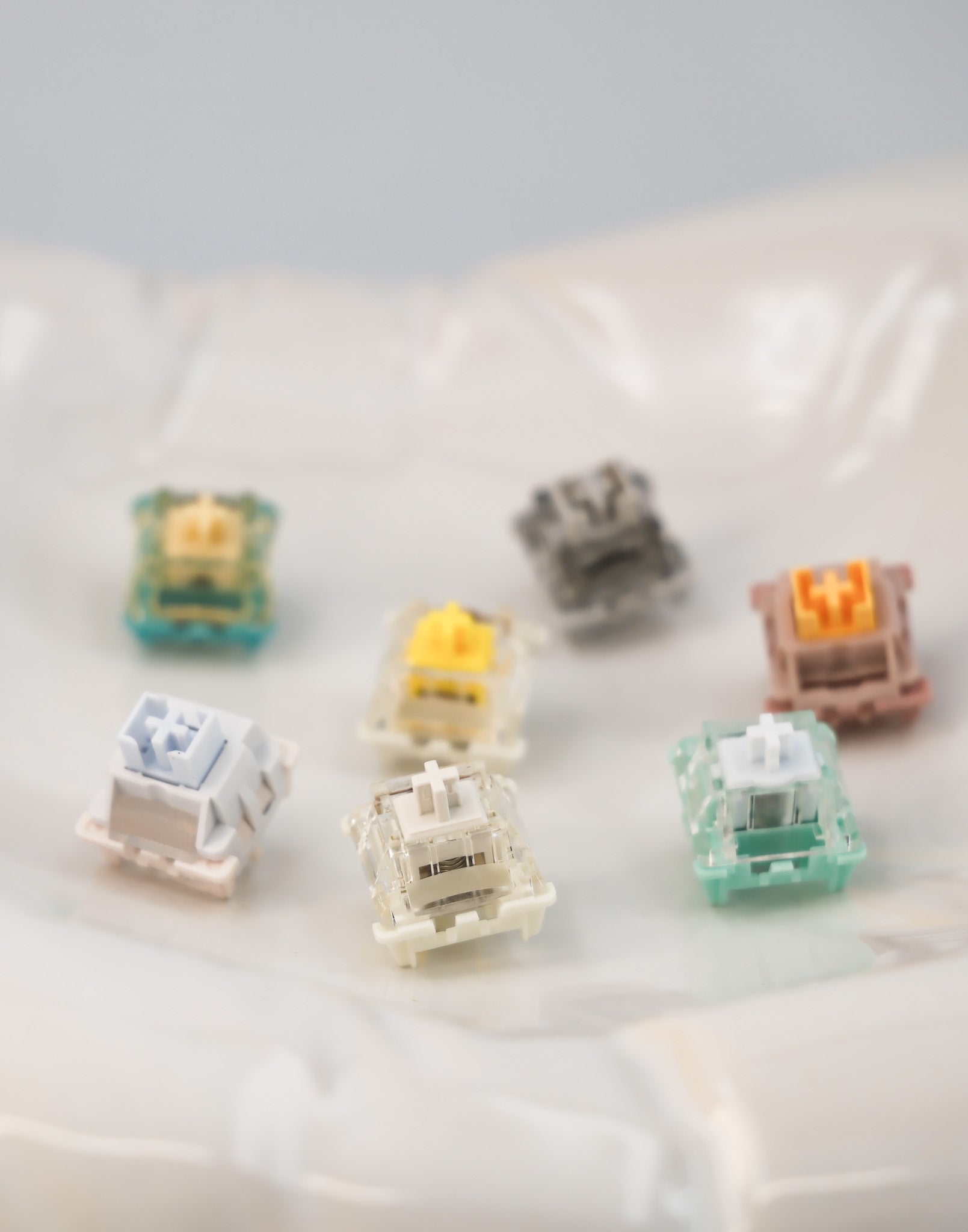
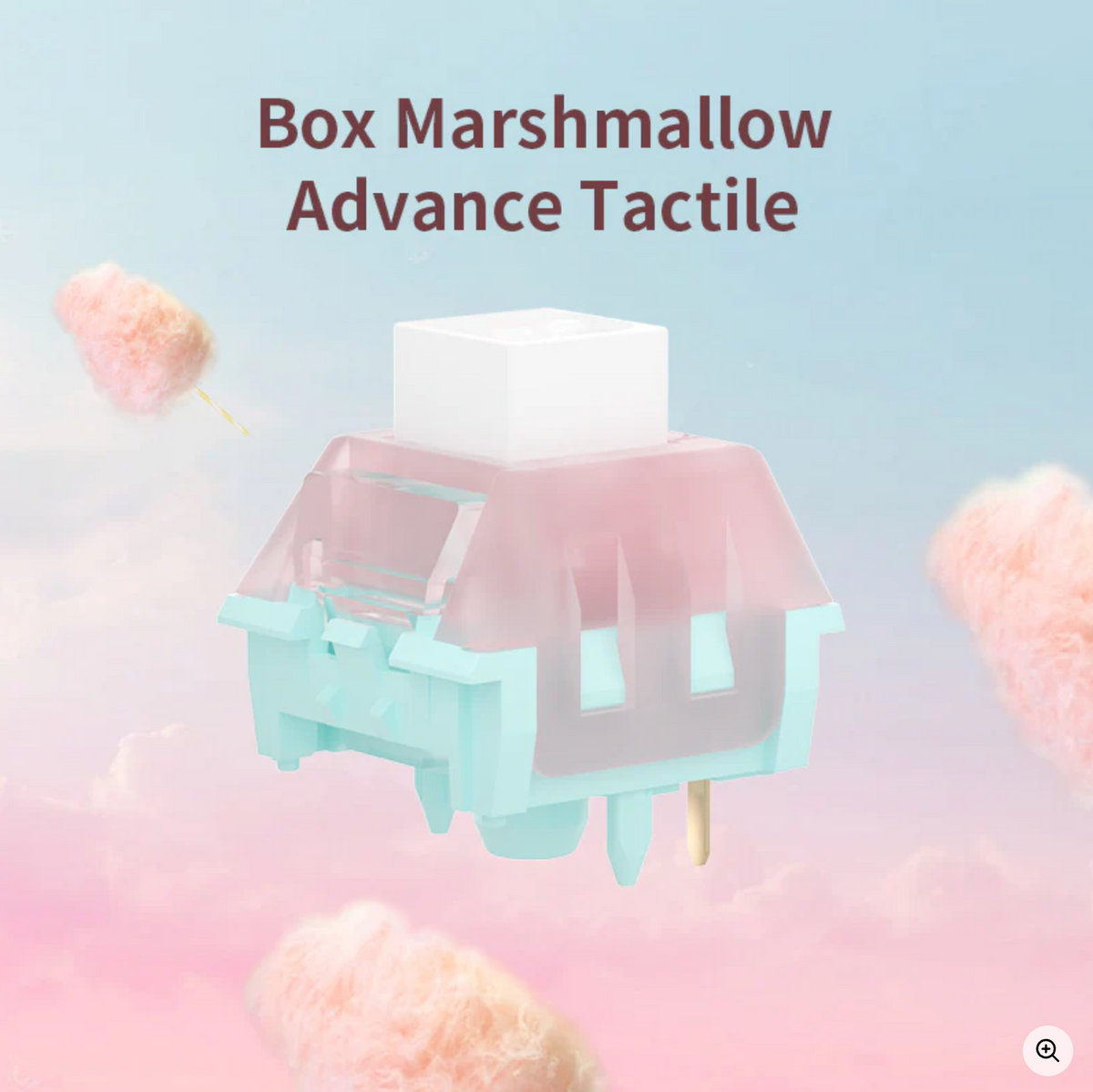
Kailh Box Marshmallow Advance Tactile switches offer feedback near the start of each press, with factory lubrication for smooth travel.

  • 38g operating force; 55g tactile peak
  • 2.0mm pre-travel; 3.4mm total travel
  • Built-in light guide for RGB lighting
Explore this component

Key specs

Feker C75 Blue | Mechanical Keyboard Barebone

A solid aluminium case with access built in.

  • Case: CNC-machined 6063 aluminium, with a thick aluminium top and bottom case.
  • Layout: Space-efficient 75% layout with 80 key positions.
  • Ball-catch structure: Four quick-release catches make the top case easy to remove. High-toughness steel ball bearings and custom-positioned locating slots replace traditional screw fastening for tool-free case access.
  • Internal connection: Magnetic pin connection.
  • Backplate: Signature engraved metal backplate.
  • PCB: Single-key slotted PCB, 1.2mm thick.
  • Lower case: CNC aluminium bottom case with a bottom weight / backplate.
  • Tri-mode connectivity: Bluetooth, 2.4GHz wireless and wired modes, selected with a dedicated hardware switch.
  • Battery capacity: 8000mAh.
  • Lighting: Built-in, customizable per-key RGB backlighting.
  • Feker Hub Driver 2.0: Music Sync, custom key mapping, shortcuts and backlight effects.
  • Driver access: Desktop client and web version.
  • Software controls: Custom lighting effects and key assignments in an all-in-one interface, with ongoing stability updates.
Water Diary Key Cap Set

Diary-inspired details for a playful desk.

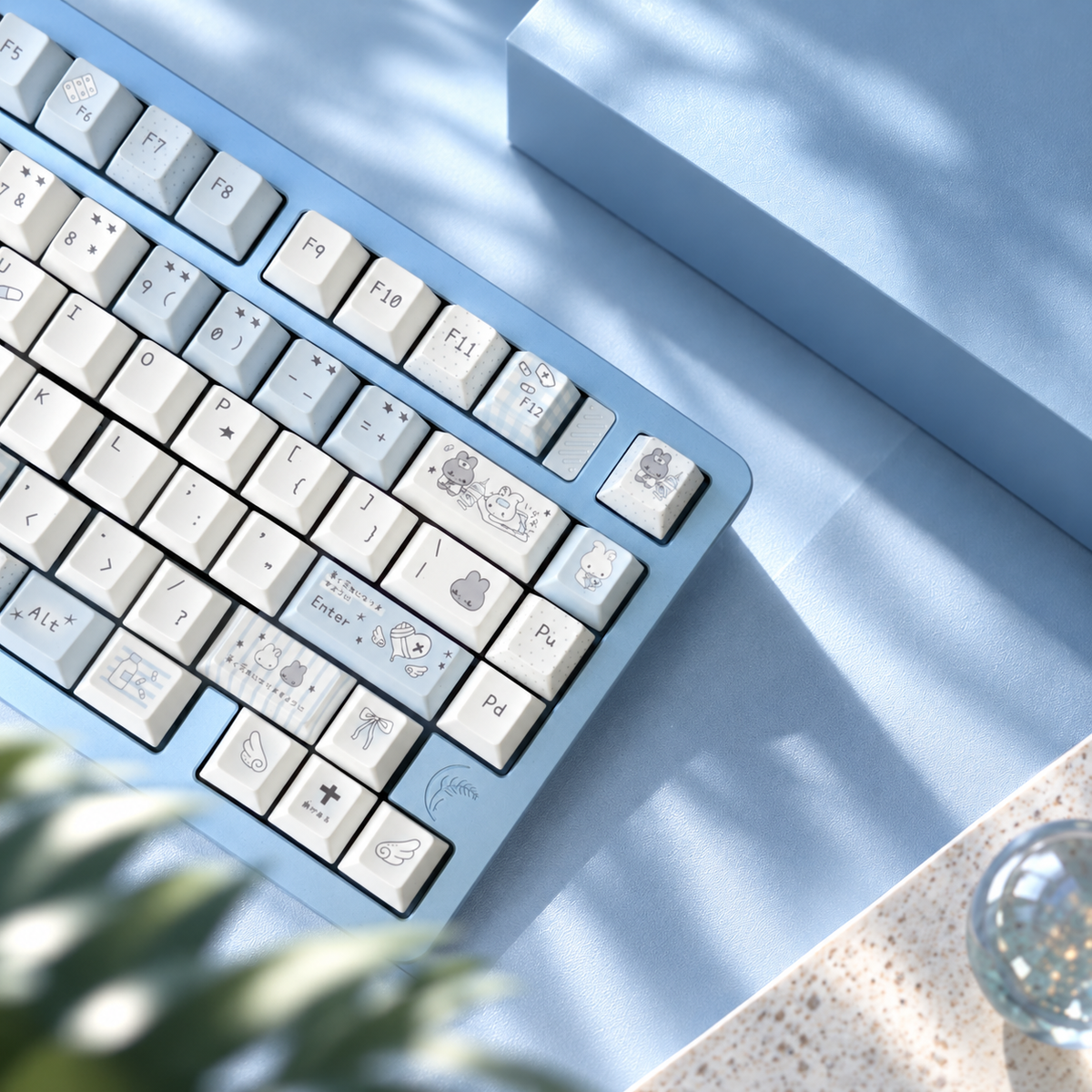
White and pale-blue keycaps combine small illustrations, doodles and character details. Use them to carry a soft blue palette across your keyboard or to add a light accent to another case colour.

Explore the product photos for the artwork and the individual keys included in the set.

  • Material: Solid PBT.
  • Profile: Cherry, with sculpted rows.
  • Legends: Thermal transfer artwork and legends.

The material, row shape and chosen switches all contribute to how the finished keyboard feels. This set changes the keycaps; it does not change the switch mechanism.

Kailh Box Marshmallow Advance Tactile Switches
  • Operating force: 38g ± 10g.
  • Tactile peak: 55g ± 10g.
  • Pre-travel: 2.0mm ± 0.4mm.
  • Total travel: 3.4mm ± 0.3mm.
  • Rated lifespan: 80 million keystrokes.

Operating force and tactile peak describe different points in the keypress; the 38g figure is not the maximum resistance you will feel.

  • Stem: Self-lubricating POM with an MX-style keycap mount.
  • Top housing: Semi-translucent PC.
  • Bottom housing: PA66 nylon.
  • Structure: Sealed BOX design.
  • Lubrication: Factory pre-lubed.
  • Lighting: Built-in light guide column for RGB lighting.

Build Your Comfort Zone

Ready To Go, without the guesswork.
We bring together some of our best-selling, quality components in combinations we’ve selected, assembled and tested. Enjoy a complete keyboard without spending hours comparing every switch, keycap and keyboard body.

More possibilities, in person.
Visit our Scarborough store to explore more colours, layouts, keycaps and switch feels. See the combinations up close and find what feels right for you.

Make it yours at our keyboard DIY workshop.
Get hands-on with switches and keycaps, make your own customizations and build with our team’s guidance. Whether you start with a Ready To Go keyboard or choose your own combination, there’s always room to make it more you.

Come take a look: 3459 Sheppard Ave E, Unit 218, Scarborough.

Book your DIY workshop

Customize Your Keyboard @ Soulmie Keys